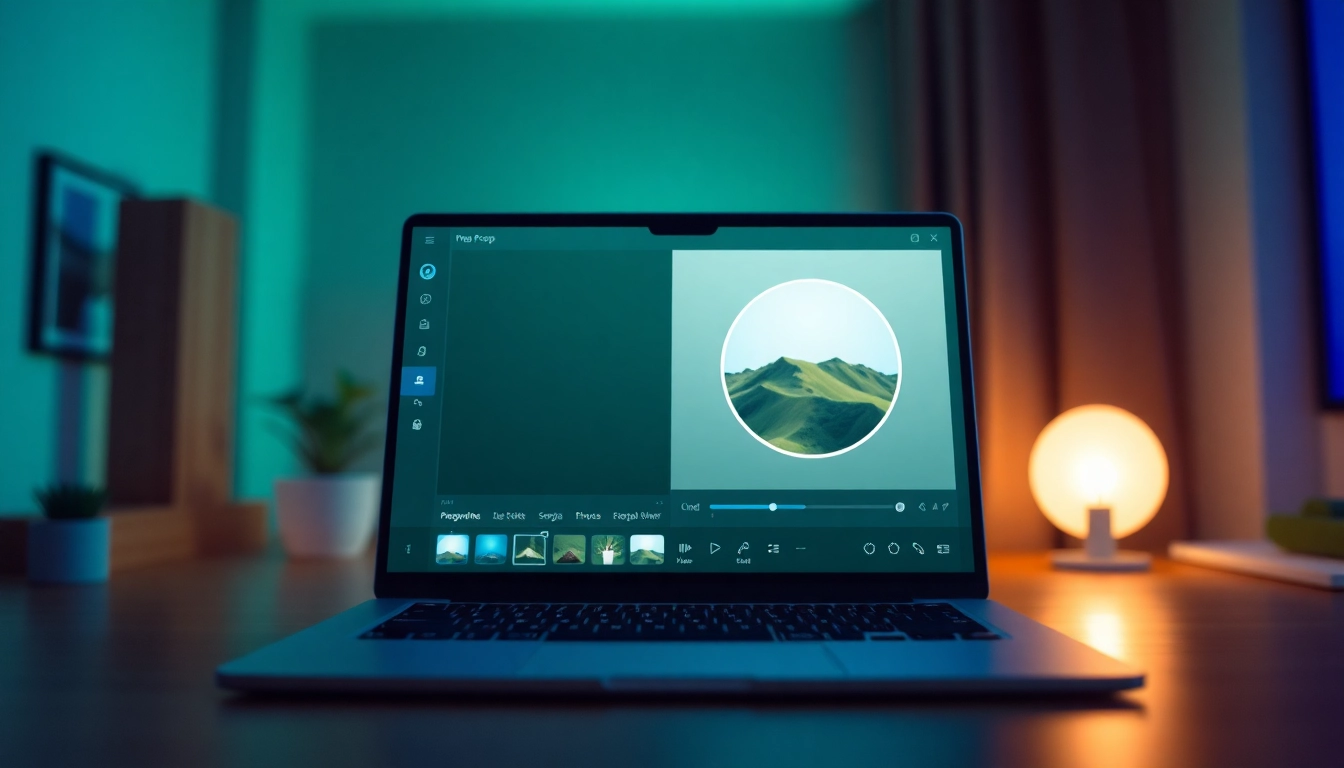
Understanding Image Circle Crop Techniques
In today's visual-centric world, the ability to effectively crop images is crucial for creating impactful designs. One advanced cropping technique that has gained immense popularity is the image circle crop. This method allows designers and photographers to focus on specific subjects while creating a visually appealing presentation. Understanding how to implement this technique can significantly enhance your visual projects, making them stand out in a crowded digital landscape.
What Is Image Circle Crop?
Image circle cropping refers to the process of cropping an image in a circular format instead of the traditional rectangular or square shape. This method provides a unique perspective and is especially effective for highlighting portraits or specific details within an image. By creating a circular crop, you can draw attention to the focal point of your photograph, eliminating distractions typically found in standard crop formats.
Benefits of Circular Cropping for Visual Projects
Circular cropping offers several benefits that can enhance the overall presentation of images:
- Focus on Subject: Circular crops naturally direct the viewer's eye toward the center of the image, emphasizing the main subject.
- Versatility: This technique can be applied across various platforms, including social media, websites, and digital portfolios.
- Creative Aesthetics: The round shape can add a modern and artistic touch to your designs, making them more visually engaging.
- Branding Opportunities: Circular images are often used in logos and branding materials, creating a unique identity for businesses and personal brands.
Common Use Cases for Image Circle Crop in Design
There are numerous scenarios where image circle cropping can be effectively utilized:
- Profile Pictures: Social media platforms like Instagram and Facebook frequently use circular profile images, making this crop essential for users looking to create a cohesive look.
- Marketing Materials: Circular cropped images in promotional materials can capture consumer attention and communicate messages more effectively.
- Web Design: Circular images can help reduce the "clutter" effect on a webpage, leading to a more organized and visually appealing site.
- Creative Portfolios: Artists and designers can use circular crops to create unique layouts, allowing them to showcase their work in an innovative manner.
How to Image Circle Crop with Ease
Crop your images into circles seamlessly by following this step-by-step guide, ensuring that you maintain both quality and focus on your subject.
Step-by-Step Guide to Using Online Tools
Using online cropping tools is an efficient way to achieve a perfect image circle crop:
- Select an online photo editor that offers a cropping tool specifically for circular shapes.
- Upload the image you would like to crop.
- Choose the circular crop tool from the editor's menu.
- Adjust the cropping frame to fit around the desired area of the image.
- Preview the cropped image to ensure the subject is centered.
- Download the cropped image in your preferred format (e.g., JPG, PNG).
Best Practices for Selecting the Right Area
When cropping to a circle, keep the following tips in mind:
- Centering: Ensure the key subject is centered within the circular frame to achieve a balanced look.
- Space Management: Leave adequate space around the subject to prevent it from feeling cramped within the circular crop.
- Aspect Ratio: Consider the aspect ratio required for the final use of the image, especially for social media profile pictures.
Adjusting Dimensions: Maintaining Quality Post-Crop
One common concern when cropping images is the potential loss of quality. Here are strategies to retain image integrity:
- High-Resolution Images: Start with a higher resolution image to ensure that the final cropped version is still of good quality.
- File Format: Opt for file formats that support high quality, such as PNG for images requiring transparency.
- Scaling: Avoid excessive scaling after cropping, as this can lead to pixelation and quality degradation.
Smart Crop Tools: Revolutionizing Image Editing
The advent of AI technology has transformed the way we crop images, providing smarter tools that enhance usability and output quality.
How AI Enhances the Image Circle Crop Experience
AI-driven cropping tools can analyze images and suggest optimal cropping areas based on composition rules, making it easier for users to achieve professional-looking results without extensive design knowledge.
Comparative Analysis of Popular Cropping Tools
When selecting a cropping tool, it’s important to consider various options:
- CropPhoto: An intuitive tool that simplifies circular cropping with drag-and-drop features.
- Canva: Offers a comprehensive design platform with powerful cropping capabilities.
- Adobe Express: Provides advanced editing options for those looking for more customization and control.
Maximizing Crop Tools for Social Media Success
When aiming to create compelling visual content for social media, consider these strategies:
- Consistency: Use circular crops across all your social media platforms to create a cohesive brand image.
- Templates: Develop templates that incorporate circular cropping for ease of use when creating new content.
- Engagement: Experiment with different circular crop styles to see what your audience engages with best.
Common Questions About Image Circle Crop
As users become more familiar with image circle cropping, many common questions arise. Here we address some of the most frequently asked.
How to Crop an Image into a Circle Without Losing Quality?
To achieve a high-quality circular crop, ensure you use high-resolution images as your starting point. Additionally, select cropping tools that allow for adjustments without losing detail, and choose the correct file format for exporting.
Image Circle Crop vs. Resize: Key Differences Explained
While both cropping and resizing alter the dimensions of an image, cropping involves cutting away portions of the image, often to focus on a specific area, while resizing maintains the image's aspect ratio but changes the total dimensions. Understanding these differences can help you choose the appropriate method based on your project needs.
Fixing Cropping Mistakes: Tips and Tricks
If you realize you've made an error in your cropping, don't fret. Most online tools offer an "undo" function or allow you to adjust your crop after viewing your results. Always preview your image before finalizing the crop to catch any mistakes.
Future Trends in Image Editing: 2026 and Beyond
The image editing landscape is continuously evolving, and staying updated on emerging trends is essential for designers and photographers.
Emerging Technologies in Photo Editing
With advancements in AI and machine learning, we can expect more automated cropping tools that learn from user preferences, offering increasingly tailored results.
Impact of User Experience on Cropping Tools
User experience will continue to shape the development of cropping tools, emphasizing intuitive interfaces and streamlined workflows to enhance the editing process.
Predictions for Design Trends and Circular Images
As circular cropping becomes more prevalent, trends will likely shift towards more creative uses of shapes in design, moving beyond traditional formats to embrace innovative layouts.